Pattern Pulse: Rebuild the Growing Light Sequence From Memory
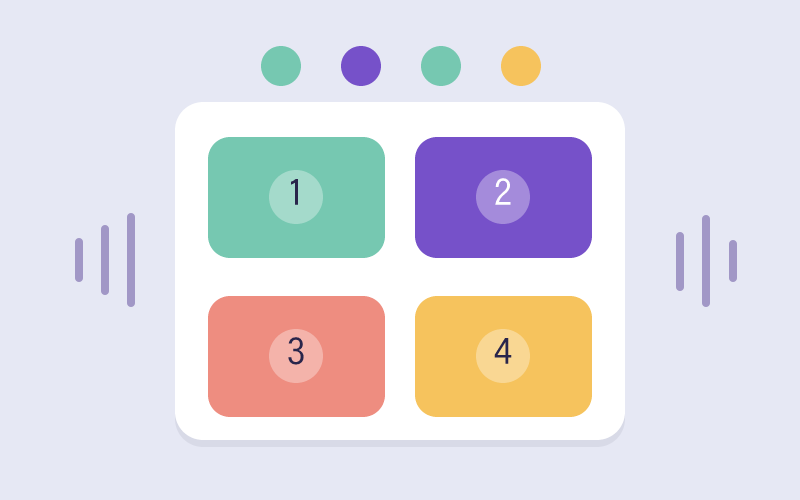
Lights flash across six numbered pads; once the display stops, you replay the whole order by tapping. Every clean round adds a step, stretching how long a sequence your working memory can hold.
Where the Sequence Slips: Holding Order, Not Just the Dots
Students can usually point to which pads lit, yet lose the order the instant a new step is added, and recall tends to break around the fourth or fifth item. Pattern Pulse makes that ceiling visible: the pads replay in silence, so each round rewards sustained attention as you scan the pulse order, hold it, and inhibit the urge to tap before the display stops. Reproduce the exact sequence and one transposed step ends the run. Because each success lengthens the chain, learners feel their memory span as a concrete, growing number instead of a vague sense of good memory. Rehearsing positions as a spoken number string, such as three, one, five, turns fuzzy visual memory into an ordered list they can self-check.
Why a Longer Memory Span Powers Grade 1–6 Mental Math
For younger players in grades 1–2, replaying a light order rehearses the same ordered counting sequence behind K.CC.A.1 and the skip-counting in 2.NBT.A.2. Older players in grades 3–6 reuse that held order to generate and analyze number patterns as in 4.OA.C.5, where you must remember a rule while producing the next terms. The stronger the sequence span, the less a child drops carries or steps during multi-digit arithmetic.
Learning Points
- spatial transformation
- multi-step planning
- working memory
- strategy review
Steps and completion rules
- Choose a memory mode and play the sequence, watching positions and order.
- After playback, enter the full sequence or its final position according to the selected mode.
- Start another round after a correct response. See the result after eight completed rounds or an error.
Teacher / Parent Note
Try restating positions as a number sequence. The current Predict option checks the last item already shown in playback.